What you get
Everything in the kit
One zip file, about 11 MB. Unzip it, open the folder in Claude, and paste the first prompt.
01
The 3D engine
The renderer that makes the look. It runs on your own computer and needs no internet connection.
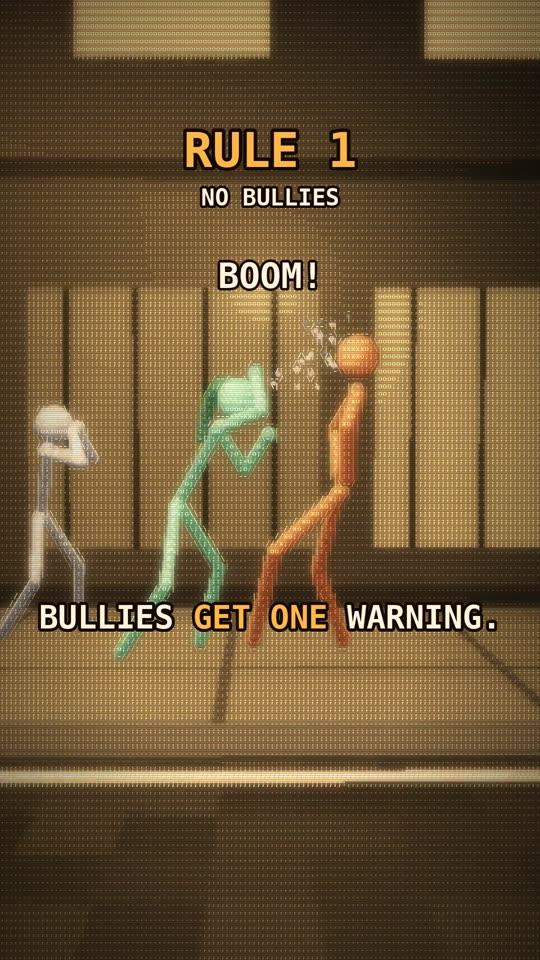
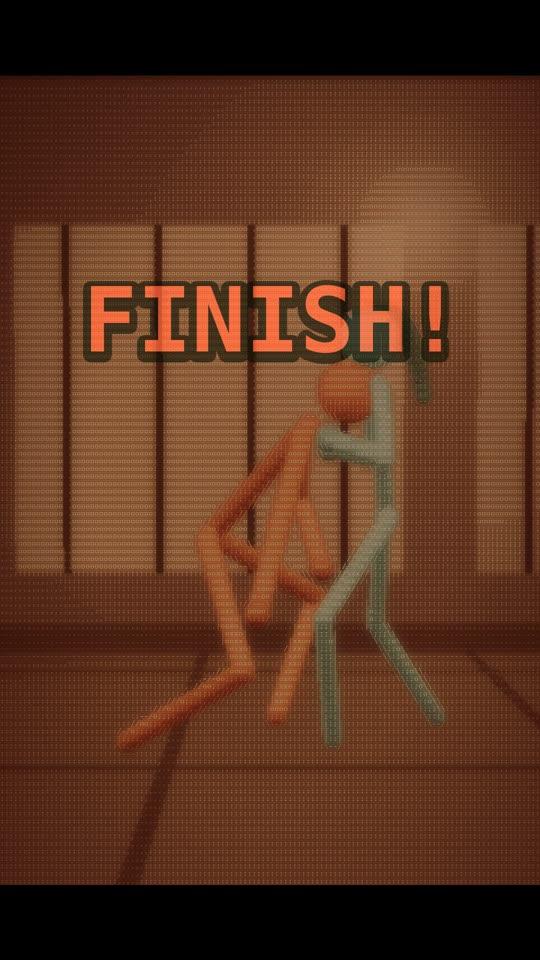
- >Real 3D scenes drawn as amber ASCII characters on your graphics chip, about 0.06 s per frame
- >Stick-figure actors that walk, sit, gesture, fight, get knocked out and get back up, with deterministic physics
- >Two sets (an apartment with a punching bag, a night street), props, and five ready-made camera moves
- >Automatic captions with the spoken word highlighted, titles, speech and thought bubbles
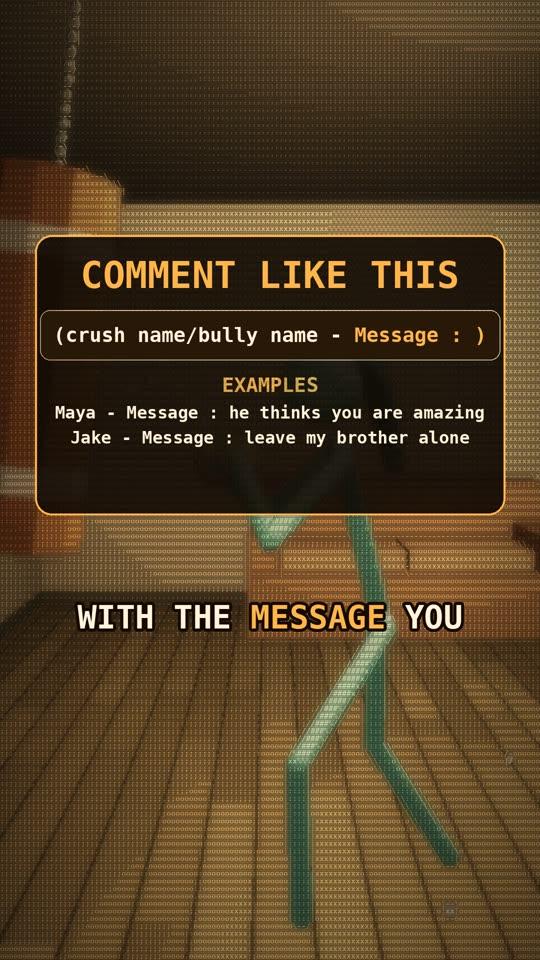
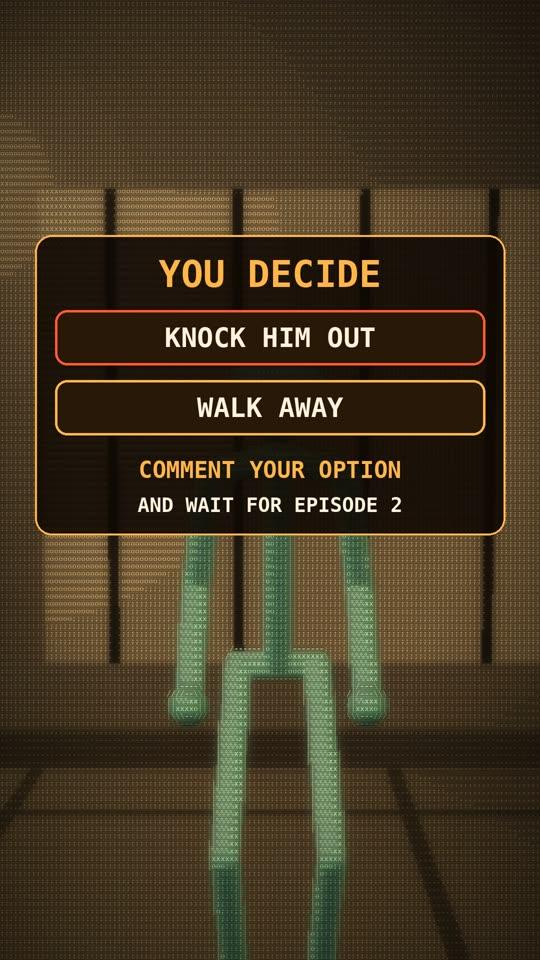
- >Cards: how-to-comment, follow, recap checklist, viewer vote with countdown, vote result, follow goal, phone screens, end card
- >Every sound effect synthesised by the engine and placed from what is on screen; final mix at −14 LUFS
- >Live preview in the browser, still previews in seconds, and a checker for size, frame rate, sound and loudness
- >25 automated tests, so you can tell the kit works on your machine
02
The playbook
How to use the engine with Claude, written for creators. It is the method, the rules and the troubleshooting guide in one file.
- >Install, step by step, for people who do not program
- >How a reel goes from script to voice to timing to scenes to stills to render to check
- >Three ways to get a voice take, including recording yourself for free
- >House rules: format, safe zones, colours, text sizes, sound levels, story structure
- >Comment episodes and viewer votes, beat by beat, with screening rules that protect real people
- >A table of 17 quirks with their causes and fixes
03
10 prompts
Each prompt has a one-line "use this when" and its blanks clearly marked. Copy, fill in, paste.
- 01Install and test
- 02Set up my character
- 03First reel
- 04Comment-reply episode
- 05Viewer-vote cliffhanger
- 06Vote result
- 07Fight scene
- 08Redo the voice
- 09Change the look
- 10Fix and check
04
The onboarding skill
Say "set up my character" and Claude interviews you, then makes the whole kit star your character.
- >Claude asks about ten short questions in four small groups
- >Name, age, pronouns; colour, build, height, hair, gloves; personality and voice; niche, platform and handle
- >Your answers are saved in one file the engine reads: titles, cards and the figure itself change to your character
- >Claude makes a profile picture in the look and shows you stills, so you can change the colour before your first reel
In the folder
- README.md
- What is inside and the quick start
- PLAYBOOK.md
- The working method, 13 sections
- PROMPTS.md
- The 10 prompts
- character.json
- Your character (ships with an example)
- .claude/skills/character-onboarding/
- The onboarding skill
- Engine/carlos/
- The engine, 21 Python modules
- Engine/reels/
- Starter reel and 4 templates
- Engine/tests/
- 25 tests and a graphics check
- Participants/
- Comment-tracking sheet
- Examples/
- The test reel as it should look
All of it for $25, paid once.